
Hardware
pCube works with standard store equipment. Use what you have, or let us put a complete register together for you.
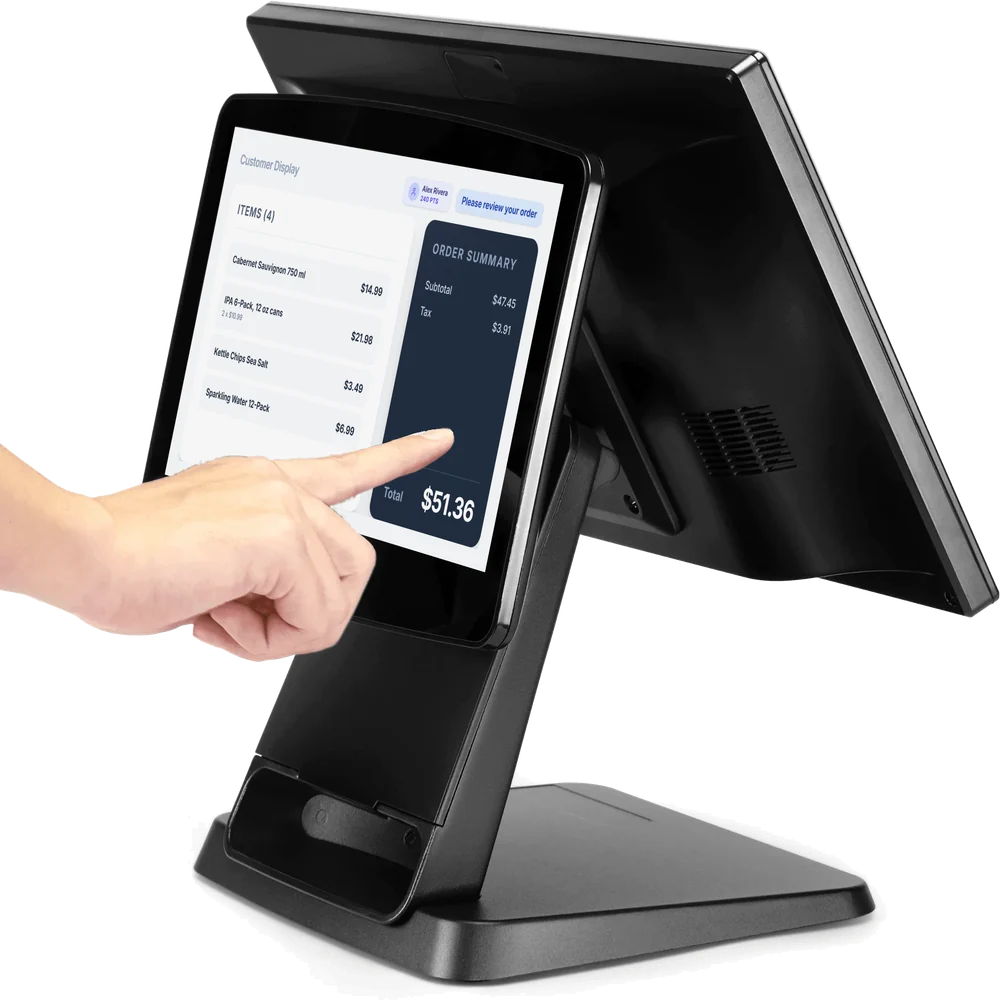
Windows register
Your customers see every sale
pCube for Windows runs on a Windows PC or an all-in-one POS terminal. Add a second screen and it becomes the customer display.
- Customers see each item and its price as you ring it up
- Subtotal, tax and total stay in view
- Loyalty members see their name and points
- Customers can check in to loyalty with their phone number
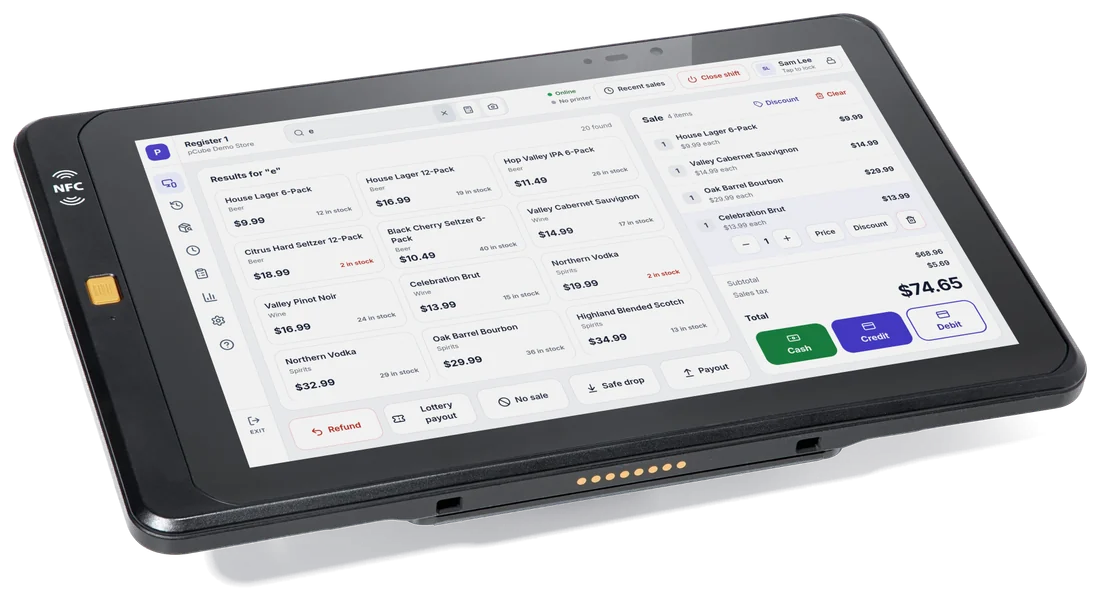
Android tablet
pCube POS on Android
Install pCube POS from Google Play on an Android tablet or an Android POS terminal.
- The whole register: sales, refunds, shifts, safe drops and payouts
- Receipt printers on your store network, or over Bluetooth
- On dual-screen Android POS terminals, the second screen is the customer display
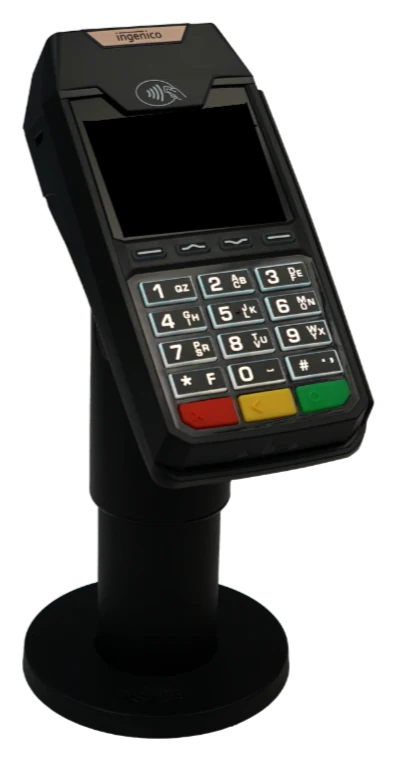
Card terminal
Ingenico Lane 3600
Card payments that work with the register.
- Customers tap, insert or swipe their card
- The register sends the amount to the terminal
- The approval comes back by itself, so nothing is typed twice
- A keypad for PIN entry
Around the register
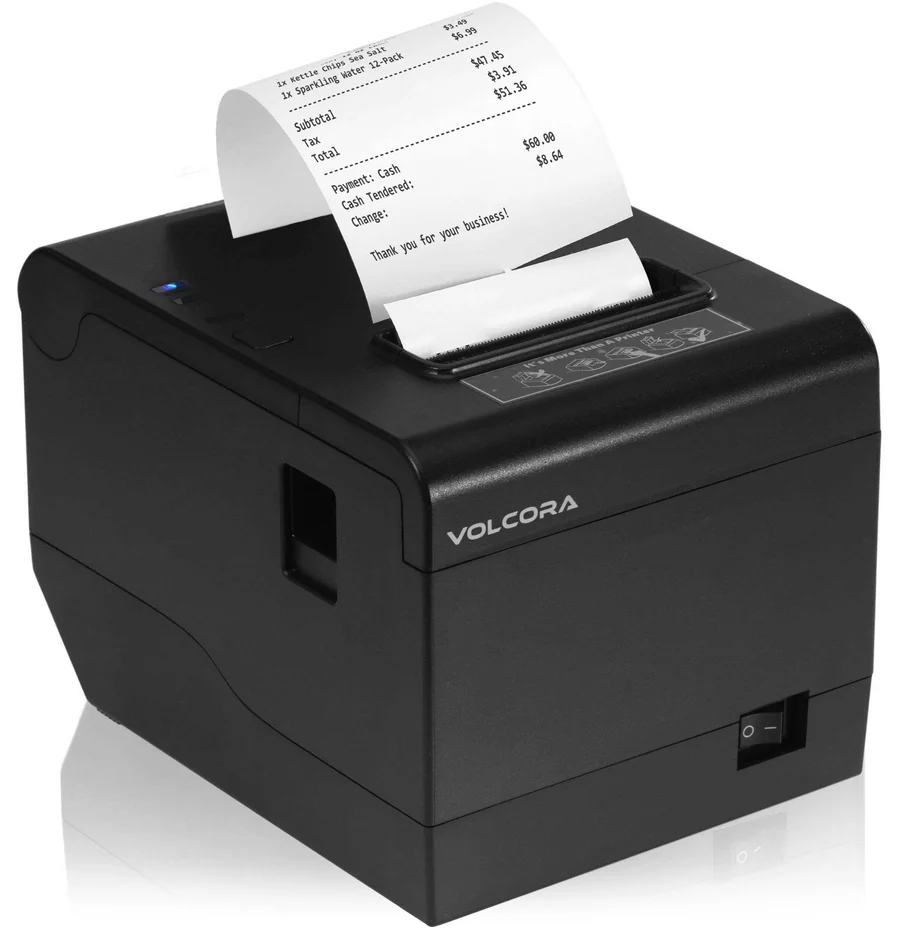
Receipt printer
Thermal receipt printers that use ESC/POS, on your store network. Android tablets can also use Bluetooth receipt printers.
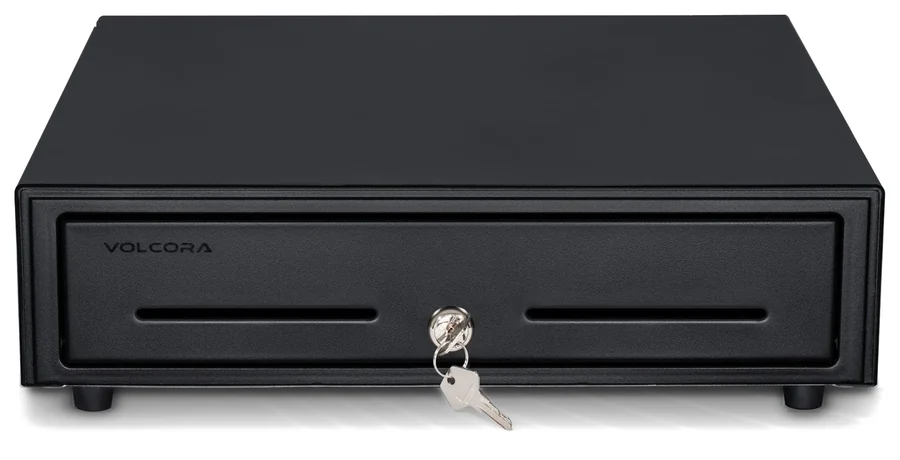
Cash drawer
A cash drawer that plugs into the receipt printer. It opens by itself for cash sales.
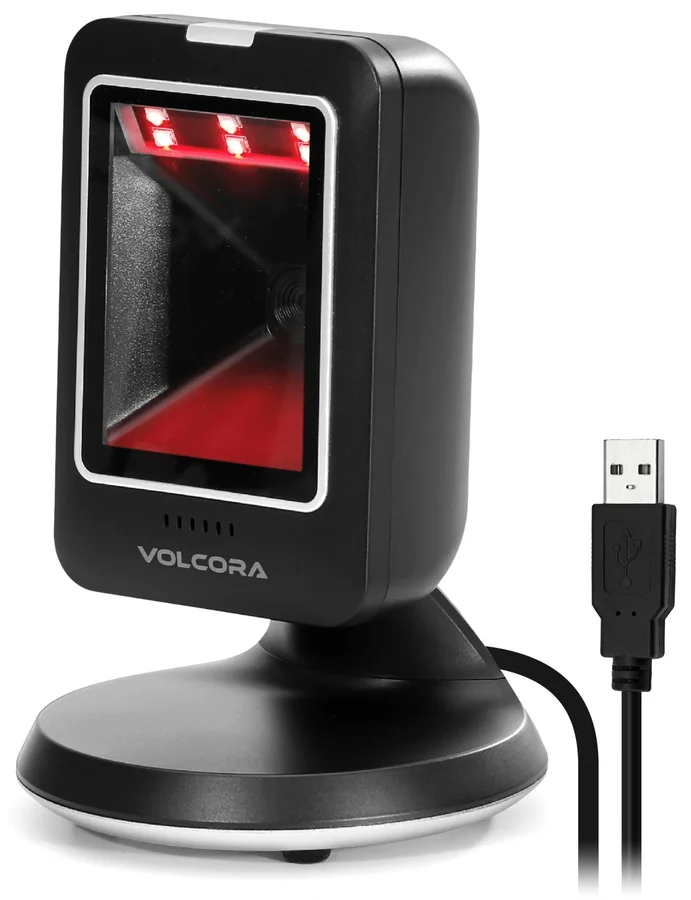
Barcode scanner
USB or Bluetooth barcode scanners that type like a keyboard. Nothing to install.
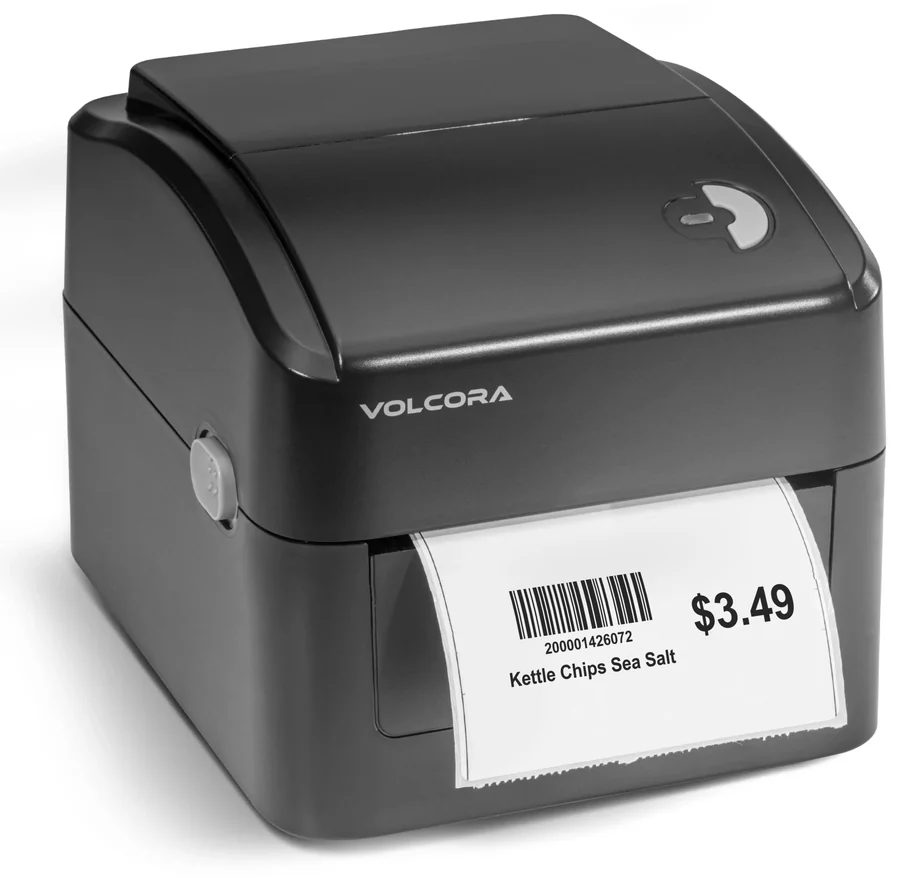
Label printer
TSPL label printers for shelf and product labels you design in pCube.
Already have equipment?
Much of it may work with pCube as it is. Send us the make and model and we will tell you.
Want it ready to go?
Tell us how many registers you need and what you already have. We will send you a quote for a complete setup: register, card terminal, receipt printer, cash drawer and scanner, with a label printer if you want one.